Browse all docsPart 5 of 8
Share Your Catalogue
Publish your catalogue and get it in front of customers with a link and a branded QR code you can print on signs, menus, and flyers.
Part 5 of 84 min read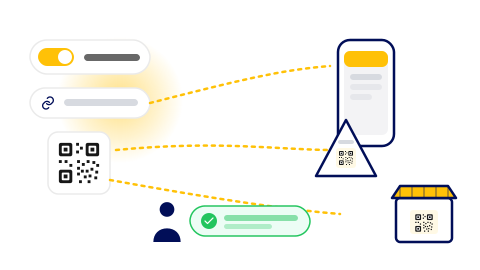
A catalogue is only useful once people can see it. When yours reads well, publishing and sharing it takes seconds. You get a link that works on any device and a QR code you can put anywhere in the real world.
Publish your catalogue
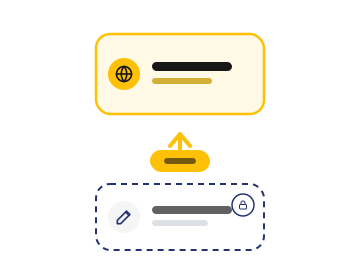
Publishing takes your draft live. From then on, any edits you make stay private until you publish again, so you control exactly when changes reach customers. There is no reprinting and no waiting, which is the whole point of a digital catalogue over a printed one.
Share the link
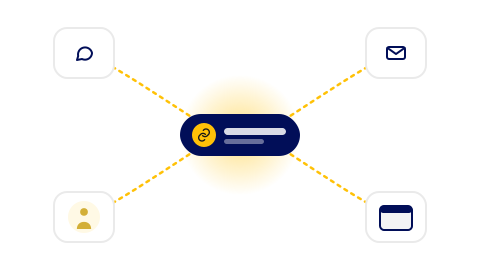
Each catalogue has its own web link. Send it by text or email, put it in your social profiles, or add it to your website. It opens straight away on any device, with nothing for the customer to install.
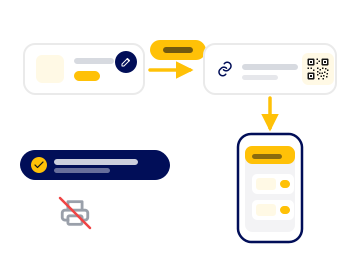
Step 1: Publish
Push your draft live from the builder. Your catalogue is now reachable at its own link.
Step 2: Copy and share the link
Drop it into a text, an email, a social bio, or your website. Anyone who taps it sees your catalogue.
Step 3: Customize your QR code
Open the QR editor to change colours, add your logo, and pick a frame so the code matches your brand.
Step 4: Download and print
Export the QR code and put it on a sign, a table card, a menu, or a flyer where customers will scan it.
Update any time
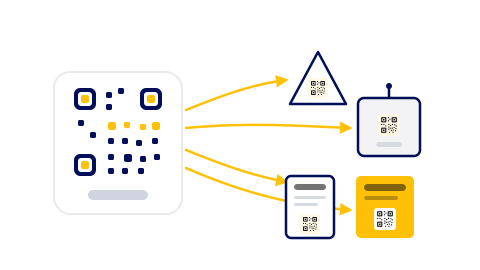
Because the catalogue lives online, the same link and QR code keep working after you change the contents. Update a price, add a seasonal item, or run a promotion, publish, and everyone who scans the existing code sees the new version. You never reprint a thing.
Was this helpful?