Browse all docsPart 8 of 8
Plans and Billing
Start free and upgrade only when you need more. What the free plan covers, what paid plans add, and how to manage your subscription.
Part 8 of 83 min read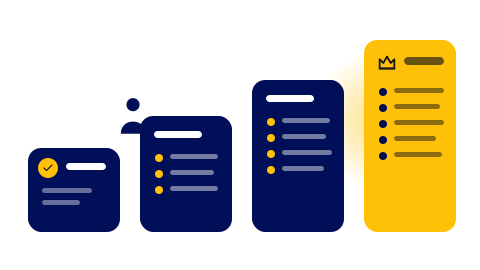
Quicktalog is free to start and grows with you. The free plan is a real plan, not a trial, so you can build and share a catalogue without ever entering a card. You only upgrade when you bump into a limit that actually matters to you, like a second catalogue or AI generation.
What the free plan covers
The Starter plan lets you build one catalogue, share it with a link and a QR code, and read basic analytics. For a single menu or service list, it is often all you need. There is no time limit and no card required.
What upgrading adds
Paid plans lift the ceilings and turn on the bigger features. As you move up, you get more catalogues, more items per catalogue, and higher view limits, plus extras like AI generation, photo import, advanced analytics, embeds and custom code, and the option to remove Quicktalog branding. The right plan is simply the lowest one that clears the limit you keep hitting.
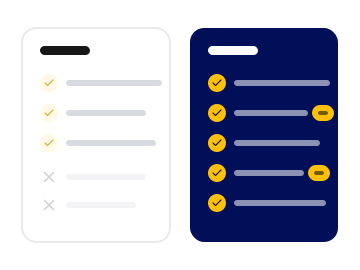
The pricing page lays out every plan side by side with the exact limits for each, so you can match a plan to how you actually work rather than guessing.
Step 1: Compare plans
Open the pricing page to see each tier and its limits next to each other.
Step 2: Upgrade when you hit a limit
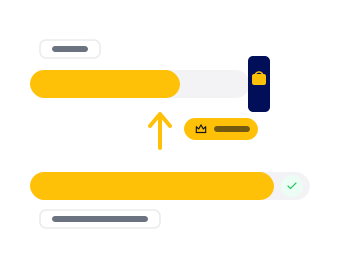
Pick the plan that clears the limit you keep running into, whether that is more catalogues, AI, or photo import.
Step 3: Manage it from your dashboard
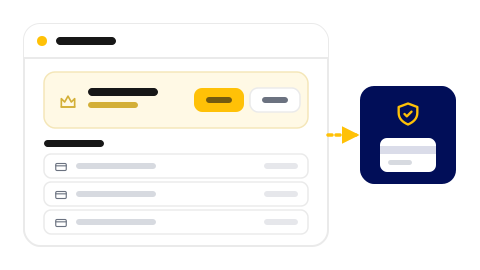
Change or cancel your plan from the dashboard at any time. Paddle handles payments, invoices, and tax.
Was this helpful?