A printed menu goes out of date the moment a supplier raises a price. You either live with the wrong number, cross it out with a pen, or pay to print the whole thing again. A digital menu removes that problem. You change one line, and the next guest who scans the code sees the new version. No reprint, no waiting.
This guide walks through building one for your restaurant in an afternoon, for free. There is no app for your guests to download, no design skills required, and nothing to install. By the end you will have a link and a QR code you can put on every table.
What a digital menu actually is
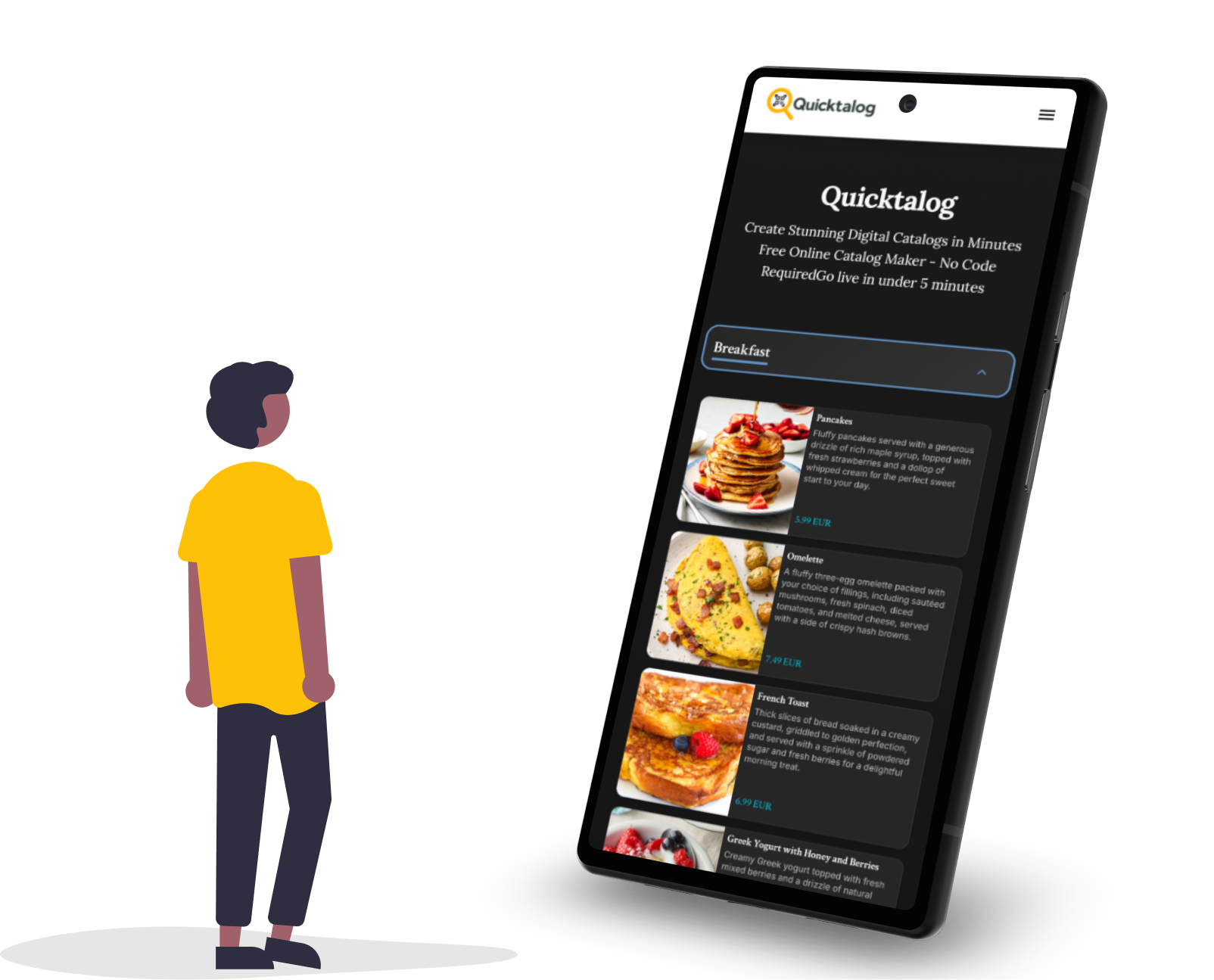
A digital menu is your menu as a web page, built for a phone. Guests reach it by scanning a QR code on the table or tapping a link you share. They see your dishes, prices, photos, and any notes about allergens or specials. Because it lives online, you can update it whenever you want, and the change is live right away.
The QR code is just the doorway. It points at your menu page, so the same little square on the table always shows the current menu, even after you have changed it a dozen times. That is the part that catches people out at first: you print the code once, and you are done with the print shop for good.
Why restaurants are making the switch
The reasons are practical, not trendy. Prices move, and a digital menu keeps up without a trip to the print shop. Photos help guests decide faster and tend to lift orders on the dishes you want to sell. A menu built for a phone is easier to read than a PDF that someone has to pinch and zoom. And when a dish runs out, you can hide it in seconds instead of apologizing to every table.
There is a quieter benefit too. Once your menu is a link, you can put it anywhere your guests already are, from your Instagram profile to your Google listing to a sign in the window. The cost side is just as plain. A printed menu is a bill you pay again every time something changes.
Yearly cost of menu changes: print versus digital
- Reprinting laminated menus~$600
- Designer for each new version~$350
- Digital menu on Quicktalog$0
Build your menu in four steps
Here is the whole process with Quicktalog. Each step takes a few minutes, and you can come back and change anything later.
Step 1: Add your dishes
Start a new catalog and add your items, grouped the way your menu already reads: starters, mains, drinks, desserts. Give each a name, a price, and a short description, and add photos if you have them. In a hurry, let the AI generator draft a first version, or import a photo of your current menu with OCR.
Step 2: Pick a template
Choose a layout that fits your place. A tasting menu and a busy diner want different looks, and the templates give you a head start so you are not designing from scratch.
Step 3: Brand it
Add your logo and set the colors to match your sign and your napkins. This is the difference between a menu that feels like yours and one that feels generic.
Step 4: Share the QR code
Publish to get a link and a QR code. Print the code for the tables and you are live. Change a price next week and the same code still works.
Make the menu sell for you
A menu is not just a list of prices. It is the only piece of marketing every single guest reads, so small details earn their keep. A clear photo on a dish you want to move is the closest thing to a server recommending it. Restaurants often see orders shift toward whatever has a good picture next to it, so photograph the plates with the best margin, not just the prettiest ones.
Allergen notes belong here too, and a digital menu handles them better than paper ever did. You can tag a dish as containing nuts, gluten, or dairy without cramming a legend into the footer, and you can correct a mistake the moment the kitchen flags it. Guests with allergies tend to remember the place that made it easy.
The menu is the only marketing every guest actually reads. It should never be out of date.
Where to put the QR code
The table is the obvious spot, on a small stand or printed on the placemat. It is not the only one. Put the code in the window so people can read the menu before they walk in. Add it to takeaway boxes and receipts so guests can find you again. Drop the link in your Instagram bio and your Google Business profile, where a lot of people check the menu before they decide where to eat.
A few placement habits save you grief. Keep the code large enough to scan from a seated arm's length, around an inch and a half across at minimum. Leave quiet white space around it so a busy background does not confuse the camera. And test the printed version before you put it out, because a code that looks fine on screen can fail once it is laminated under glare. Our QR code menu guide goes deeper on sizing and printing.
Keeping it current
This is where a digital menu earns its keep. Three jobs come up almost every week, and each one used to mean a marker or a reprint.
- 86 a dish. When the kitchen runs out of the special, hide it in a couple of taps so no one orders what you cannot make. Bring it back when the next delivery lands.
- Move a price. When a supplier cost jumps, edit the number and save. The next guest to scan sees the new price, and you never crossed anything out with a pen.
- Swap in a seasonal menu. Build the autumn or holiday menu ahead of time, then publish it when you are ready. The code on the table never changes, so the switch costs nothing.
Common questions
Does it cost anything? You can build and share one menu for free. Paid plans add more catalogs and extras like analytics, but the core menu does not cost anything to start.
Do guests need an app? No. They scan with the camera app that is already on their phone, and the menu opens in the browser. Phones from the last several years do this without any extra setup.
What if a guest cannot scan the code? Print the link under the code as plain text, or keep a few printed menus at the door. Most people scan without a second thought, but it is worth having a backup for the few who do not.
Can I handle allergens and dietary tags? Yes. Mark a dish as vegetarian, vegan, or containing common allergens, and fix any detail the moment the kitchen changes a recipe. No reprint, no outdated legend in the footer.
Can I still keep a few printed menus? Of course. Plenty of restaurants keep a handful at the door for guests who prefer paper and use the digital menu for everyone else.
A menu that updates the moment you do is one less thing to worry about on a busy night. Build it once, share the code, and edit it whenever the kitchen changes its mind.